
Operations OS Development
An operations OS, built for you
We work on site and build the whole system that keeps operations running — from marketing and hiring websites to custom tools on Sheets + GAS. The tool follows the job, not the other way round.
An operations OS is the ground layer that keeps a company running: procedures, tools and where information lives, joined into one.
Background
Background
Why an operations OS.
The faster a business grows, the further back the work of building operations slips. There is no time to write manuals, and the work ends up riding on people's effort. Not enough work to hire someone for. Not right to hand entirely to consultants, either. And it is hard to find someone who understands both the business and the work quickly. Building an operations OS is systems work built for exactly that stage.
62.2%
Small and mid-sized firms without anyone who understands their own operations well enough to lead digitisation
Source: Tokyo Chamber of Commerce and Industry, survey on digital shift and DX among SMEs (Oct–Nov 2024, 1,002 companies)
85%
SME owners and executives with no outside adviser, or not enough of one
Source: Raksul survey (Feb 2026, 300 SME owners and executives)
24.7%
Owners and self-employed people who said they want a right hand they can ask anything
Source: KUROCO survey (2018, 376 owners and self-employed people)
What makes it different
Feature
We build the frame.
You and your AI grow it.
01
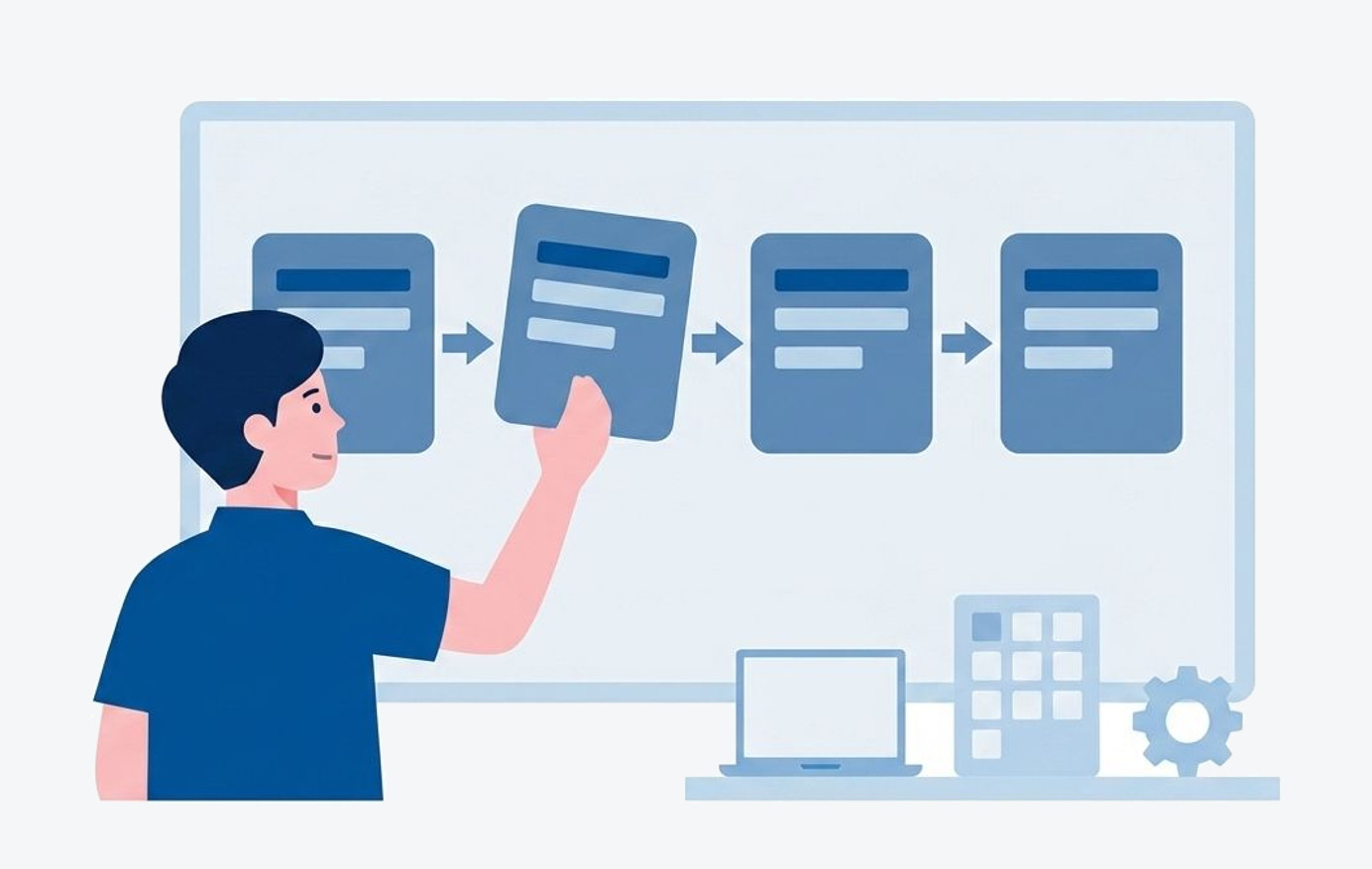
Start from the flow of work.
The tool comes after
Website, spreadsheet, automation. Pick the tool first and the work bends to fit it. We decide what runs and how, then choose.
02
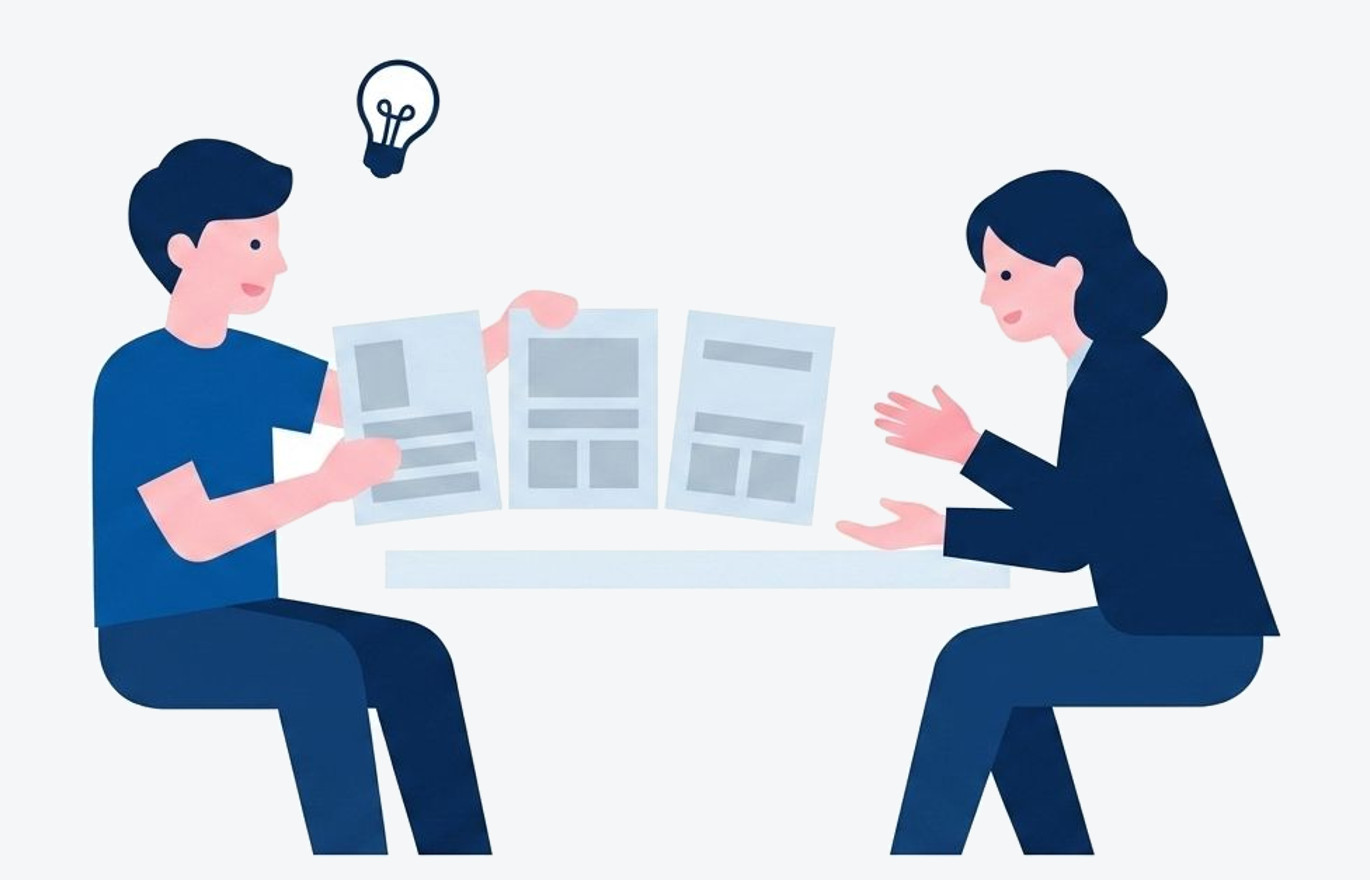
We do not ask for requirements —
we propose
Putting "what we need" into words is the hardest part. We listen to the problems and the wishes, then assemble the requirements and the options ourselves.
03
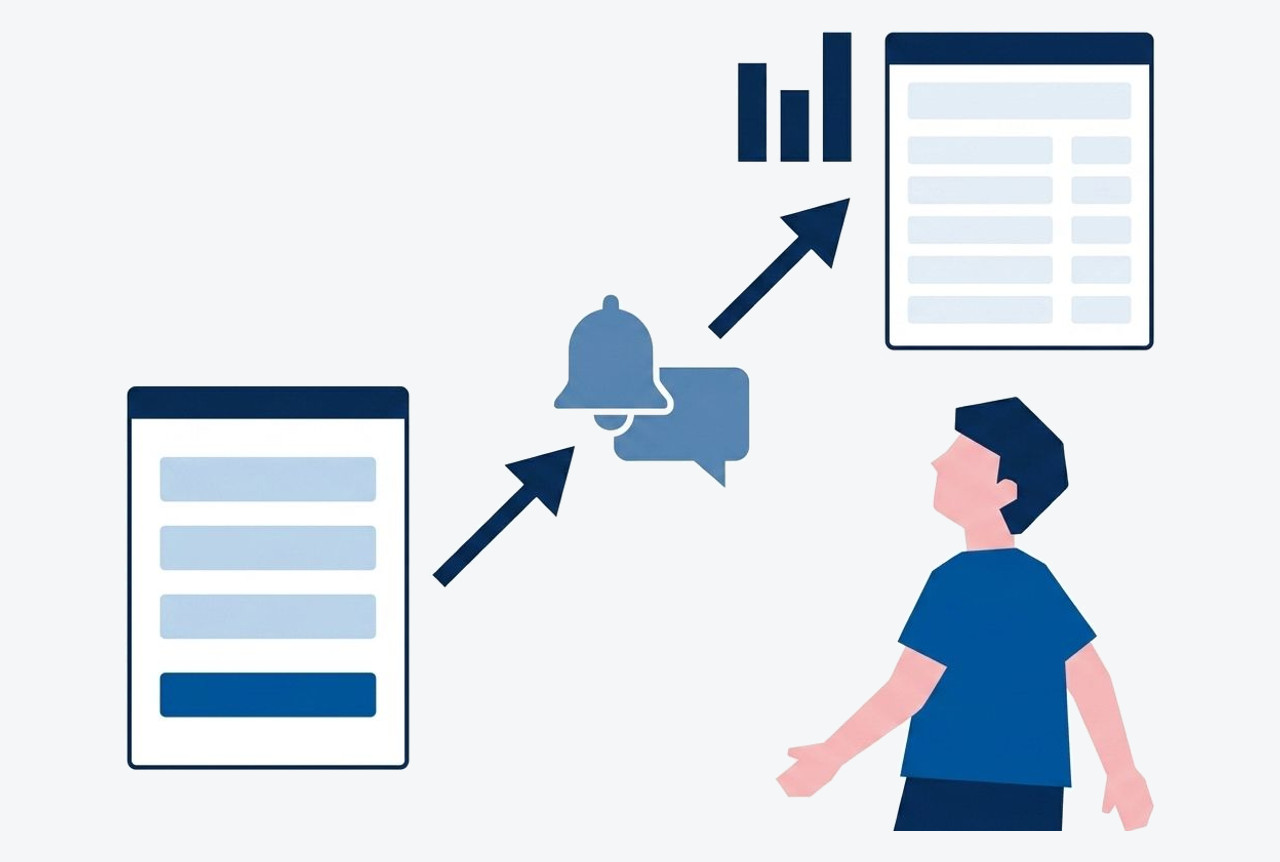
From entry to summary,
in one continuous line
We design what happens after submission too: notifications, lists, summaries. It only becomes a system once the copying by hand is gone.
04
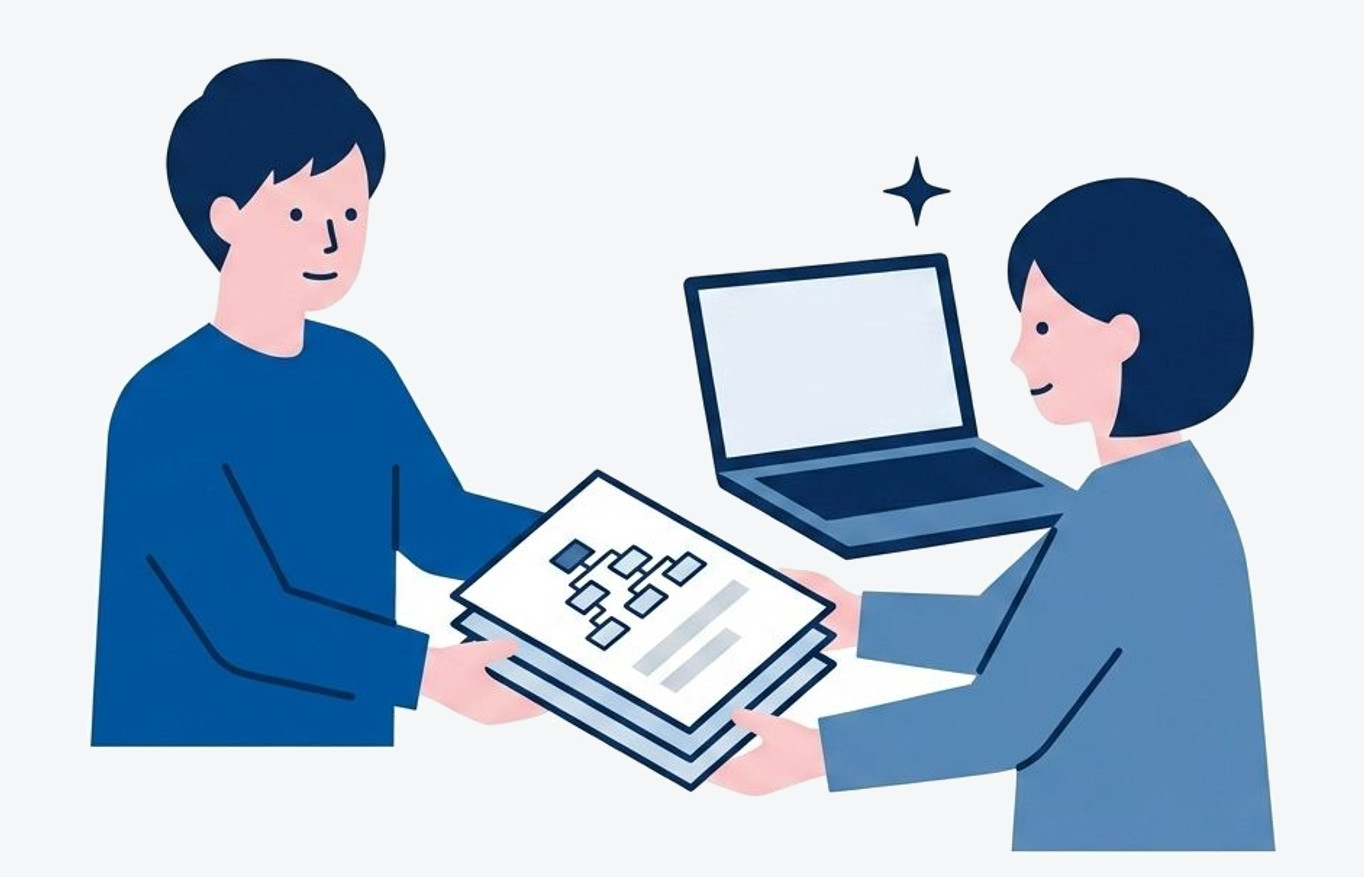
The blueprints (.md)
come with it
Requirements, structure and an update guide are deliverables too. They are in a form AI can read, so you can decide what to add next yourselves.
05
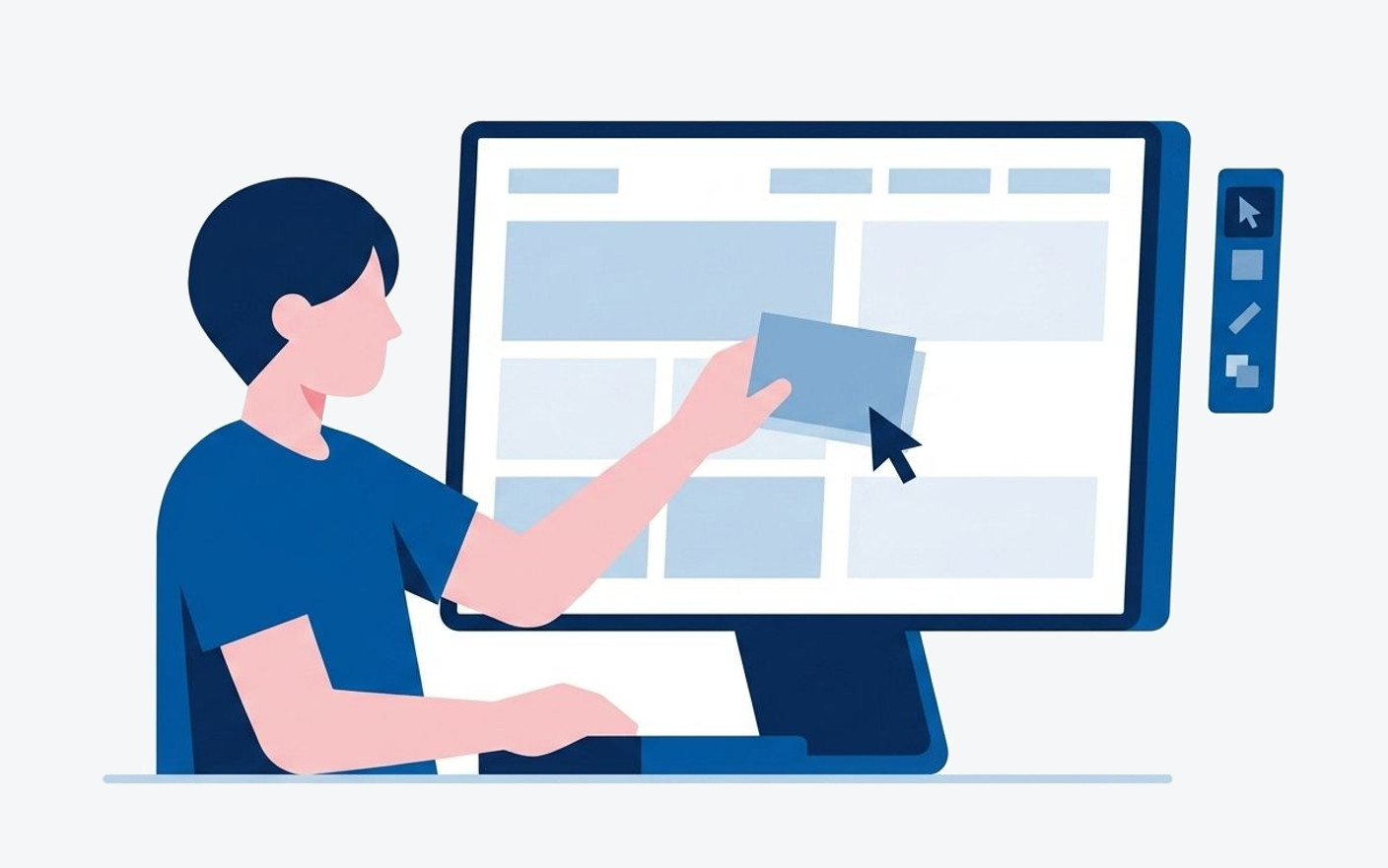
Once built,
you can run it yourselves
It is built so you can change it without writing code, and we teach you how. No agency needed for every update.
06
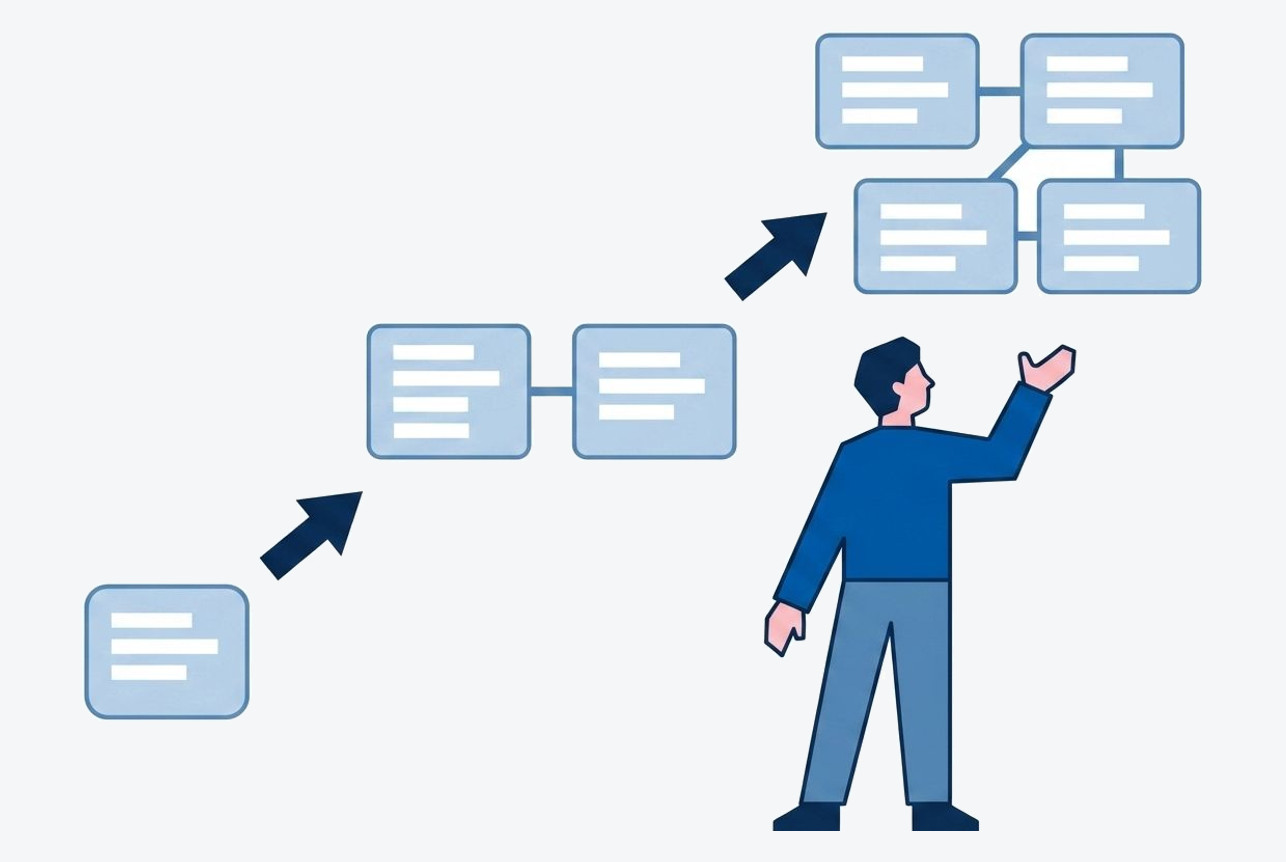
Start small,
widen it as you use it
We do not build everything at once. Start with one job, then decide the next from something that works.
Where it is used
Use Cases
A company brochure is not
the only thing the web is for.

Internal manual site
Are your procedures scattered between people's memories and stray documents? We turn them into a searchable portal that works on a phone.
Internal

A front door for the team
No more "where was that link?". Announcements, rotas and entrances to every tool, on one page.
Internal

A page that explains your service
An attached PDF is out of date the moment you send it. One URL delivers the current description, pricing and FAQ.
Customer-facing

How-to guides and help
Is time dissolving into the same questions? An FAQ plus a tally of enquiries also shows which answers are missing.
Customer-facing

A page per customer
Are per-customer documents and minutes scattered across email? We gather them into one portal per company, at one URL.
Customer-facing

A front desk for your custom tool
So the people you hand a Sheets + GAS tool to are not lost. Explanation, how-to and the way into the entry screen, on one page.
For tool providers
We also build company, shop, school and brand sites, of course. Even if the use is not decided yet, talk to us.
How we build
Workflow
Seven stages, with a checkpoint at the end of each.
A way of working that keeps "this is not what I pictured" from happening.
( 1 )
Framing the project
First we align on why we are building it. We do not ask for requirements; we start from the concept and the problems.
- Confirming purpose and goal
- Interviews
- Approach and schedule
( 2 )
Planning and structure
From what we hear and what we understand of the work, we propose the structure and the options. We do not shrink it to what was already imagined.
- Reviewing the current state and competitors
- Building the page structure
- Wireframes
( 3 )
Design
We design the top page first, get your sign-off, then roll it out to the inner pages.
- Top page design
- Rolling out to inner pages
- Adjusting for phones
( 4 )
Copy and assets
We prepare words and images that land. We draft the copy, then finish it together.
- Writing the copy
- Photography and illustration
- Diagrams
( 5 )
Build
We assemble it with tools that fit the job (STUDIO, GAS and so on), including forms and analytics.
- Assembling the screens
- Form setup
- Analytics and search basics
( 6 )
Launch and handover
We connect the domain, publish, and hand over with training on how to update it.
- Connecting the domain
- Final display check
- Training
( 7 )
Ongoing support
We stay alongside after launch. Automating what happens beyond the site — the work after an enquiry — starts here.
- Minor fixes
- Advice on updates
- Connecting to automation
How we engage
How We Work
Not an employee. Not a consultant.
Hiring an employee
- Cost
- Recruiting, salary and training become ongoing fixed costs
- What remains
- It rides on a person. It can leave when they do
- When it fits
- When the work is steady and large enough for a dedicated person
Handing it to consultants
- Cost
- A retainer continues
- What remains
- Advice and reports. The building tends to land back on you
- When it fits
- When the direction itself is unclear and you need material to decide
Building an operations OS (this service)
- Cost
- A six- to twelve-month engagement. We work on site, alongside you
- What remains
- A working system and its blueprints (.md). It survives a change of people
- When it fits
- Right now, while the business grows and operations trail behind
* Which is right depends on the stage the company is at. Once the system and the blueprints remain, the intention is that you run it yourself and graduate.
Pricing
Price
It is fine if the details are not settled.
Name one job that is causing trouble and we can give you a rough figure.
From a single job
- For
- One job: enquiries, applications, internal requests and the like
- Included
- Mapping the current flow (one job)
- An entry page and form
- Notifications and listing after submission
- The full set of blueprints (.md)
- Duration
- About 1 month
- Cost
- ¥250,000〜(incl. tax)
Pulling internal procedures together
- For
- A manual and procedure portal (internal)
- Included
- Taking stock of procedures and designing the structure
- A searchable procedure site (works on phones)
- Agreeing who updates it, and how often
- The full set of blueprints (.md)
- Duration
- About 2 months
- Cost
- ¥500,000〜(incl. tax)
Putting a screen on a custom tool
- For
- Work currently run in a spreadsheet
- Included
- Designing and tidying the ledger (the sheet)
- Entry and update screens that do not confuse
- A how-to page
- The full set of blueprints (.md)
- Duration
- About 2–3 months
- Cost
- ¥700,000〜(incl. tax)
Staying alongside
- For
- Companies that want to keep growing the system after launch
- Included
- Monthly improvements and additional development
- A sounding board for operations and design
- Keeping the documents current
- It ends when you can run it yourself
- Duration
- From 6 months (monthly)
- Cost
- From ¥200,000 / month (incl. tax)
* It varies with the scope of the work and the number of services connected. We also build ordinary sites — company, shop, school (from ¥250,000 for one page; from ¥400,000 for a top page plus five). If your case is not listed, ask us.
FAQ
FAQ
Q When and how do we pay?
A single bank transfer after handover is the norm. For longer projects, instalments can be arranged.
Q Do you train us after launch?
Yes. We provide documentation and an online session on updating. Because we build with no-code tools, you will be able to swap text and photos yourself.
Q What about maintenance costs after launch?
There is normally no maintenance fee to us. You cover only the monthly fee of the tool you use (STUDIO and similar). Extra pages or features are quoted as they come up.
Q How long does it take?
Three to four months is the guide. Fewer pages, less time. If you are in a hurry, tell us at the start.
Q How is this different from consulting?
Not advice — we leave behind a working system and its blueprints (.md). We work on site and build with you, on the understanding that you graduate once you can run it yourself.
Q Is this better than hiring someone?
It is an option for the stage where there is not enough work for a dedicated hire. Because the system and blueprints remain, whoever you hire later gets up to speed faster.
Contact
Contact
Shall we talk? Consultation is free. You do not need a clear picture of the site you want — we start from what is troubling you now and sort it out together.