
Self-build Web with AI
Build a real website
yourself, with AI
You hand it to AI and it still does not match what you pictured. We name the cause and publish the cure as a set of prompts. No agency — your own hands.
From setting up to publishing, the whole path. Optional online coaching available.
The problem
Problem
It is not your fault, and not the AI's.
What AI builds is polished. Yet put it on your own service and it somehow looks amateurish. This is not taste. It is a phenomenon you can explain structurally.
01
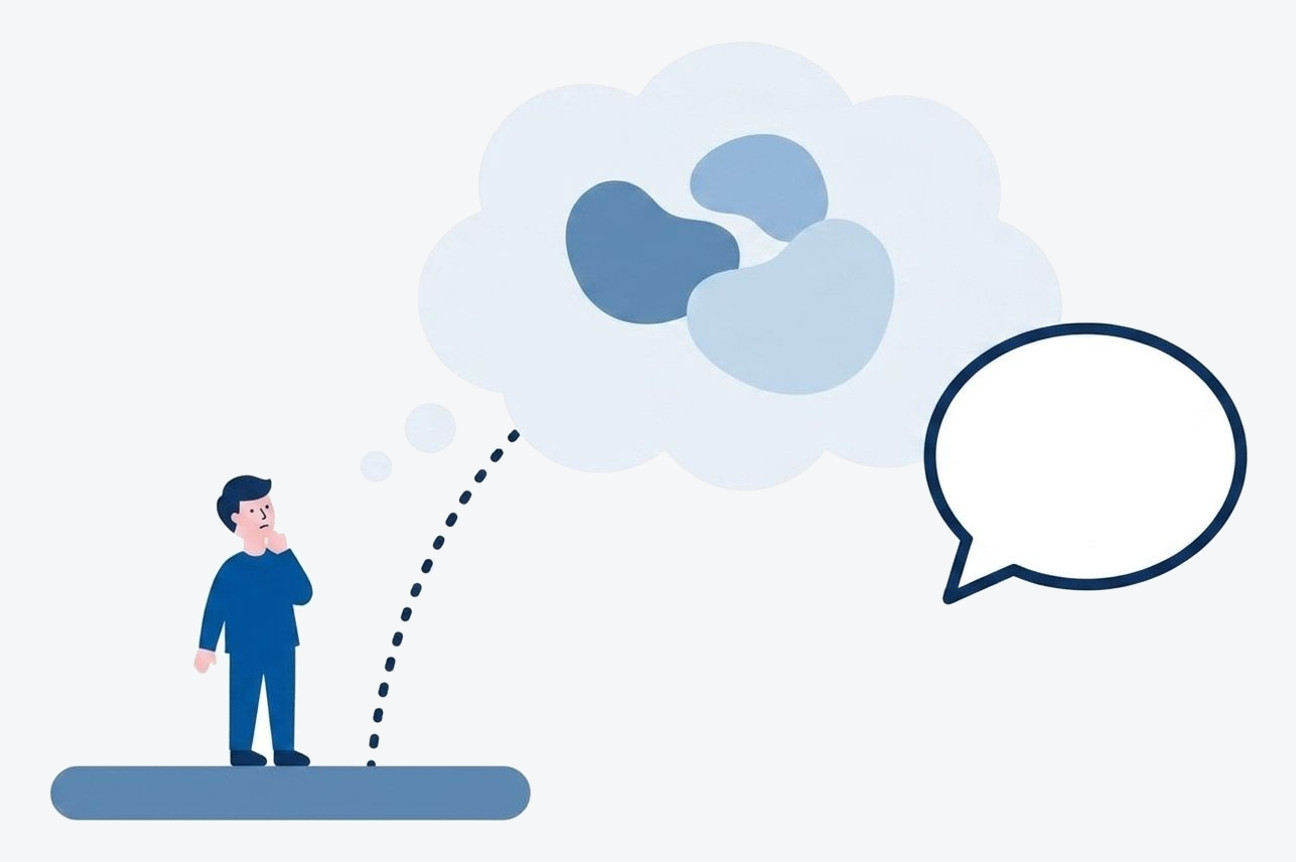
Taste has never been put into words
What feels "good" differs per person, and there is rarely an occasion to say it out loud. What has not been put into words does not reach an AI either.
02
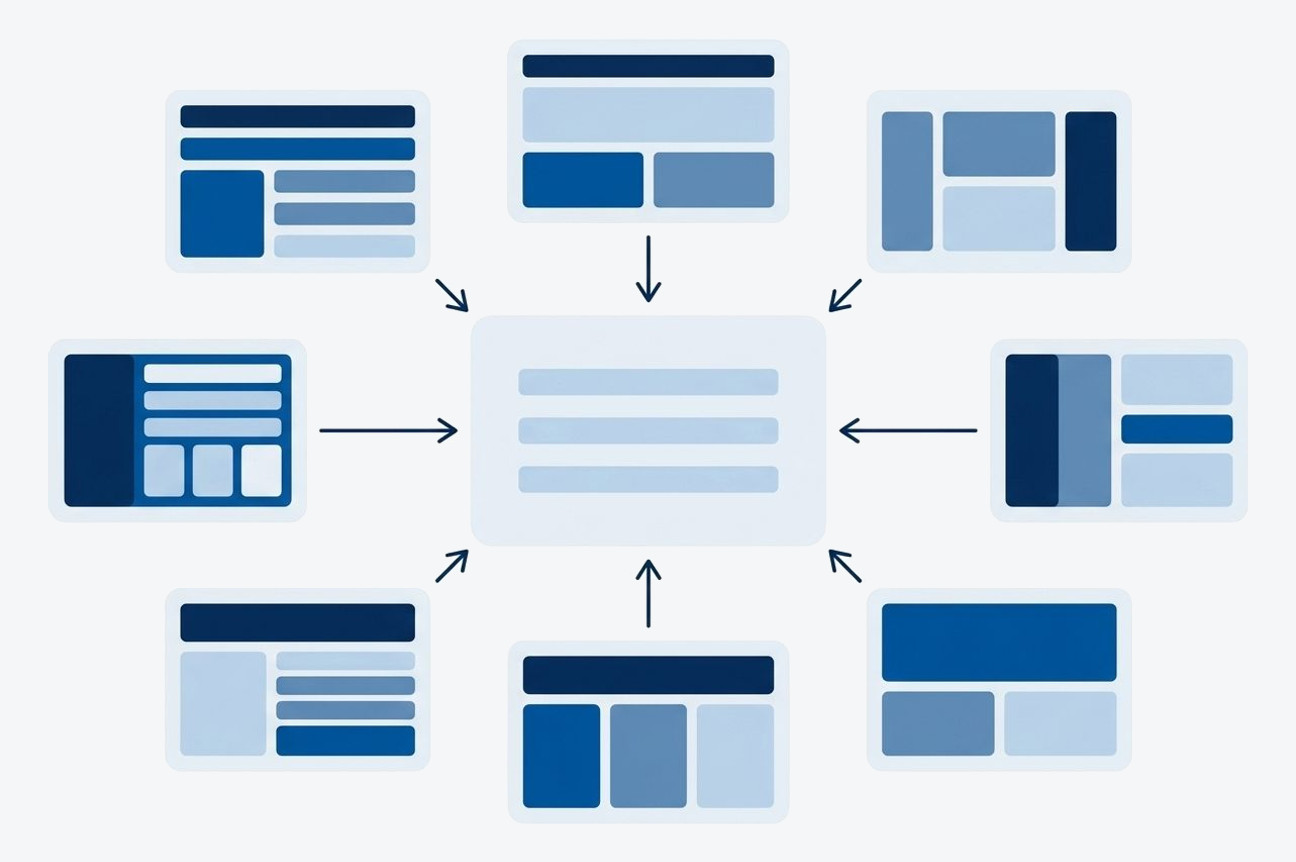
AI drifts to the average
When instructions are vague, AI picks the common shape. So however polished it is, it does not become the face of your service.
03
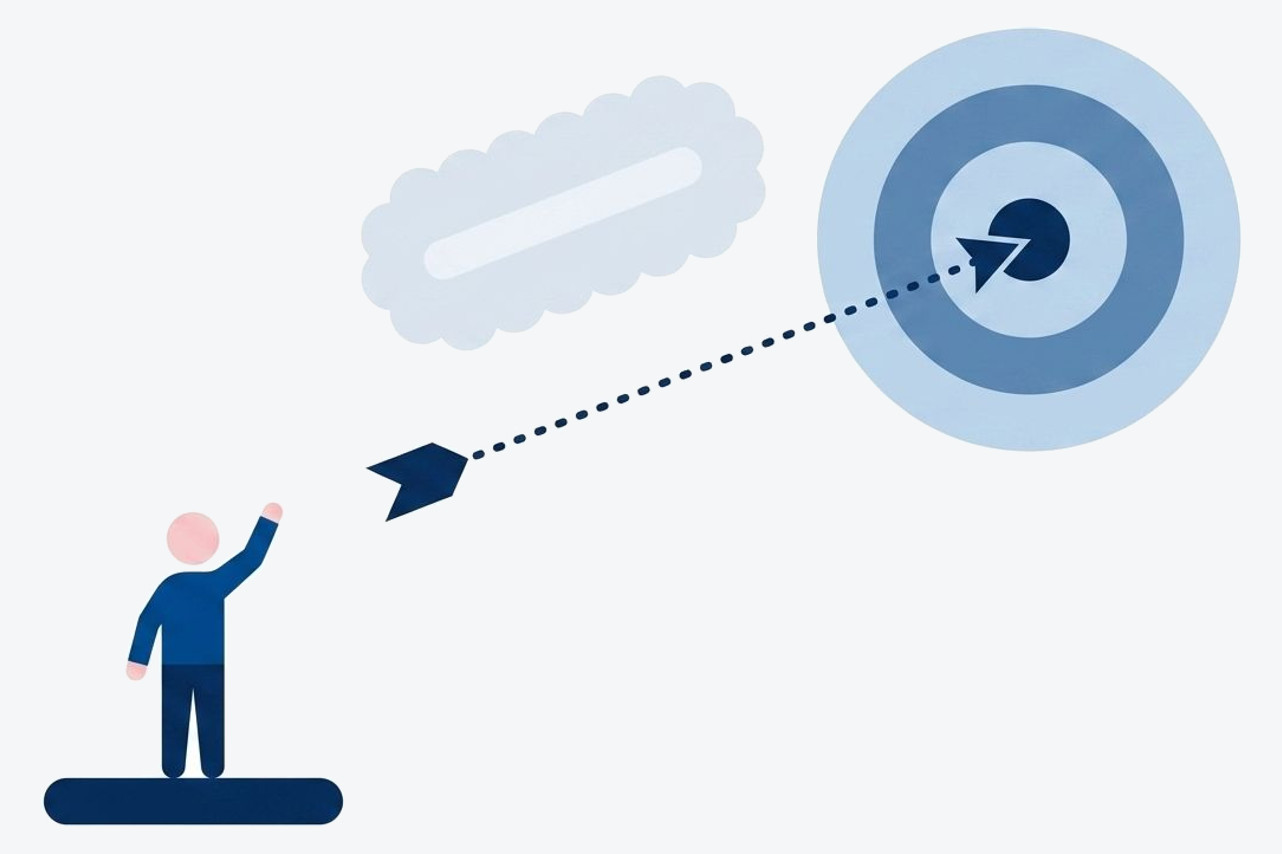
Adjectives do not carry
"Make it stylish" only shifts the average mood. Which part, compared with what, changed how — only when you can say that does it move as intended.
Please make it more stylish
Updated to a modern, refined design!
Hmm, not quite. More professional, please
Strengthened the professional impression!
Two builds, compared
Comparison
Same company. Only the instructions differ.
The same company information, given to the same AI at the same time. The only difference is the instructions. Both resulting pages are published as they came out.
A Just ask, straight away.
"Make it stylish" is all you can hand over —still feeling your way with how to brief an AI
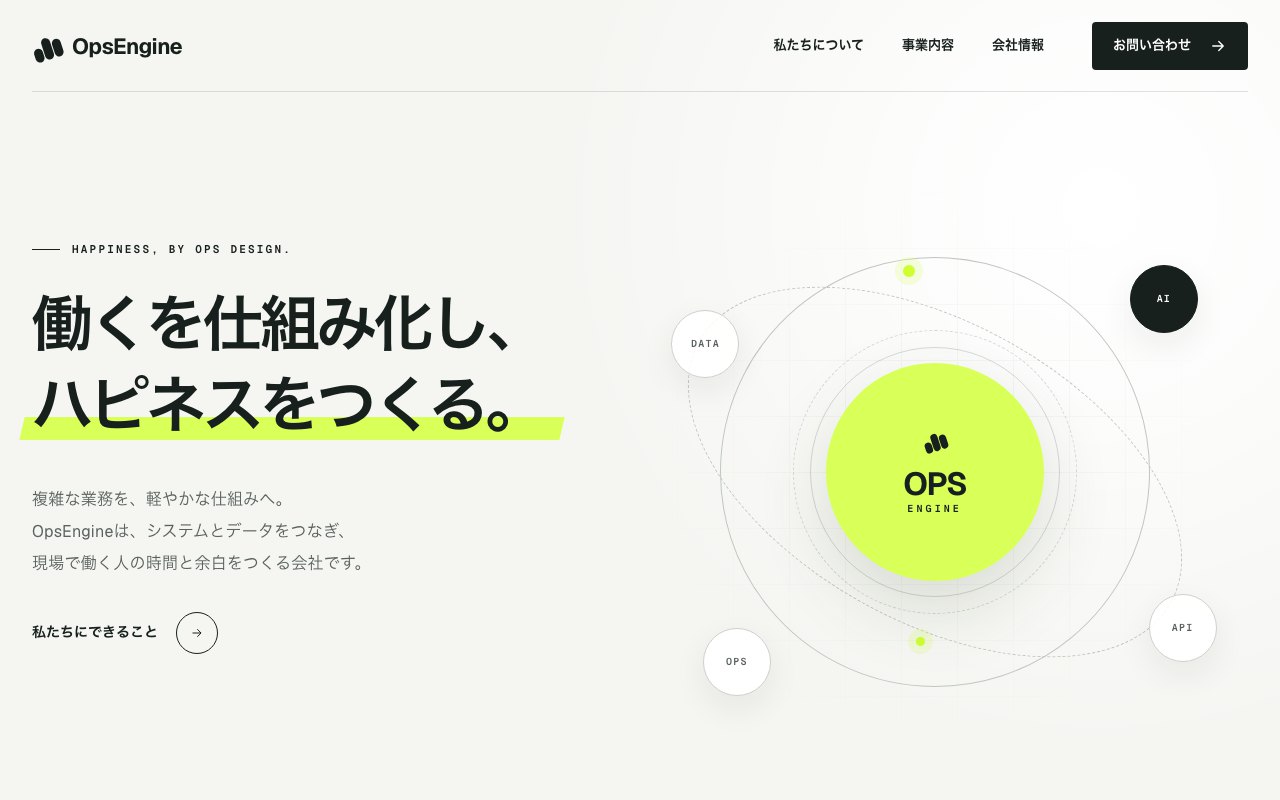
Please build a stylish company website. Start with the top page. Company information is below.
Top page created!
This page came from a single exchange. The output is untouched (only a notice band was added).
If speed is what you want, this is polished enough. But would you make this your own page? Hard to articulate, but something is off. That pause is where this page began.
B Decide first, then ask.
Type, components and content — settled in order before handing over
The prompts themselves are published in the articles
What that stacking produced is the site you are looking at right now. This explanation page was built in the same order.
Both are polished. Side by side, though, you feel that something differs. Naming that something and turning it into instructions — the order I followed comes next.
The order to work in
Method
I start from the order.
Real design is built by stacking three tiers — this is my own way of putting it, arrived at while building. Once I could build the base and the content with AI myself, the way I make things changed.
The usual way to ask
and what comes out differs from what you pictured
③ Polish with people, last — the finish that stays with you
② Decide next — what you say
① Decide first — the visual base (most important)
STAGE 1The visual base — start here (most important)
01
Typeface
For a Japanese site, character starts with the typeface. Leave it undecided and it proceeds in the default font.
02
Components (parts)
Settle the shape of buttons, cards and headings first. Left to AI, it assembles from parts you have seen everywhere.
03
Tone and rules
Site-wide rules for colour, spacing and corner radius. Align these and the amateur look disappears; break one and the whole thing looks off.
STAGE 2What you say — placed on the base
04
Structure and content
What goes in and what stays out. Decide the page structure after the base and it falls into place with the container.
05
Writing and copy
Phrasing and copy. Replace the overblown sales lines AI tends to write with the words of your own service.
06
Illustration and photography
Place illustrations and photos provisionally to settle colour and mood. Once settled, what you commission from a photographer or illustrator is settled too.
STAGE 3The finish that stays — made together with people
This is the tier that genuinely needs alignment. With words and reference images alone, the makers are not looking at the same thing. Only with the wording from stages 1 and 2 does the ideal transfer accurately, and only then can you choose between commissioning, doing it yourself, or learning.
07
Original illustration and logo
The face of the site. Commission someone who can draw, or do it yourself if you have the eye. The more provisional artwork exists, the more concrete the conversation about the finish.
08
A tagline and writing that stays
The line people remember. With the base and content settled, your brief to a writer is already the order form.
09
Effects that leave an impression
Motion tied to scrolling and the like. The fewer places you use it, the more it lands; overuse makes the page look cheap.
The six elements of stages 1 and 2 — how to instruct each of them concretely, with the prompts and how to use them, is the body of the articles. They also cover setting up and publishing, and a walkthrough is planned on YouTube.
What creative means
Creative
Making, and creating.
What is creative work, really?
Deciding, then giving it form. All of that is creative work.
Not a flash of inspiration, and not innate taste. Who should feel what, and how. Deciding that and giving it form — I call the whole of that road creative work.
"People who can make with AI" and "people who can create with AI."
The words are close; the meanings are not. Making takes one instruction. Creating means deciding what you want people to feel, then filling the gaps by commissioning, doing it yourself, or learning — the three tiers are the map for that.

It is the same as building a business.
Creating a page is much like giving a business its shape. The idea takes a moment; thinking it through, giving it form and carrying it forward with other people is a long road. Running a business on my own, I am partway along it too.
So these articles are not a textbook. They are notes from someone in the same position. For people running small businesses or working freelance, so that both how you work and how you live get a little richer — including not only what worked but what failure actually looked like, written so it can be used as-is.

I use this order beyond web pages, too.
- Building web pagesThe subject of these articles
- Documents and slide decksFrom one-pagers to proposals
- Briefing creatorsIt becomes a brief that lands
- Building businesses and productsDecide, then give it form
What the articles cover
Contents
Before building and after building — the whole path.
Design is not the only place people get stuck. Setting up and publishing settings are covered too, not skipped. The actual steps are also shown on video.
01
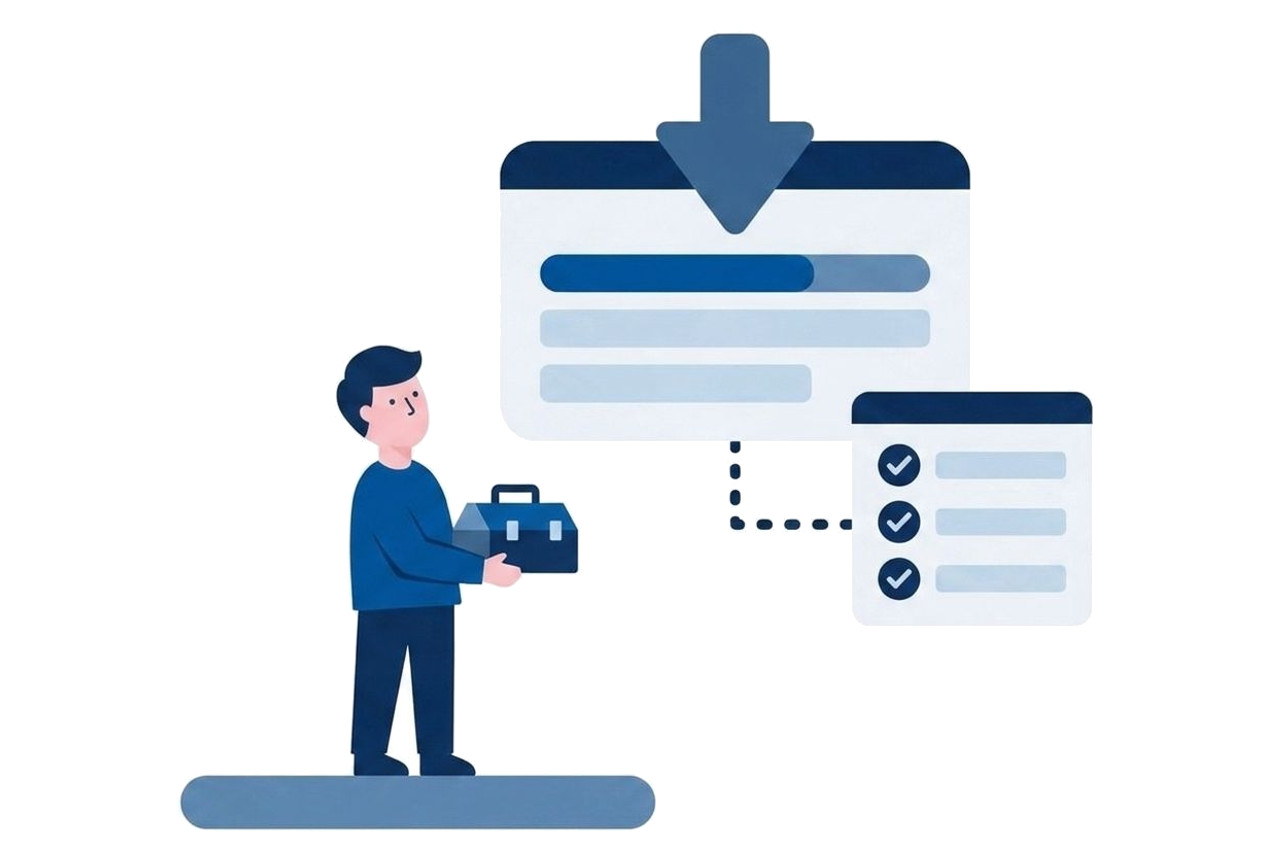
How to set up your workspace
What to prepare, what to install. The very first hurdle, laid out so you can follow the screens without getting lost.
02
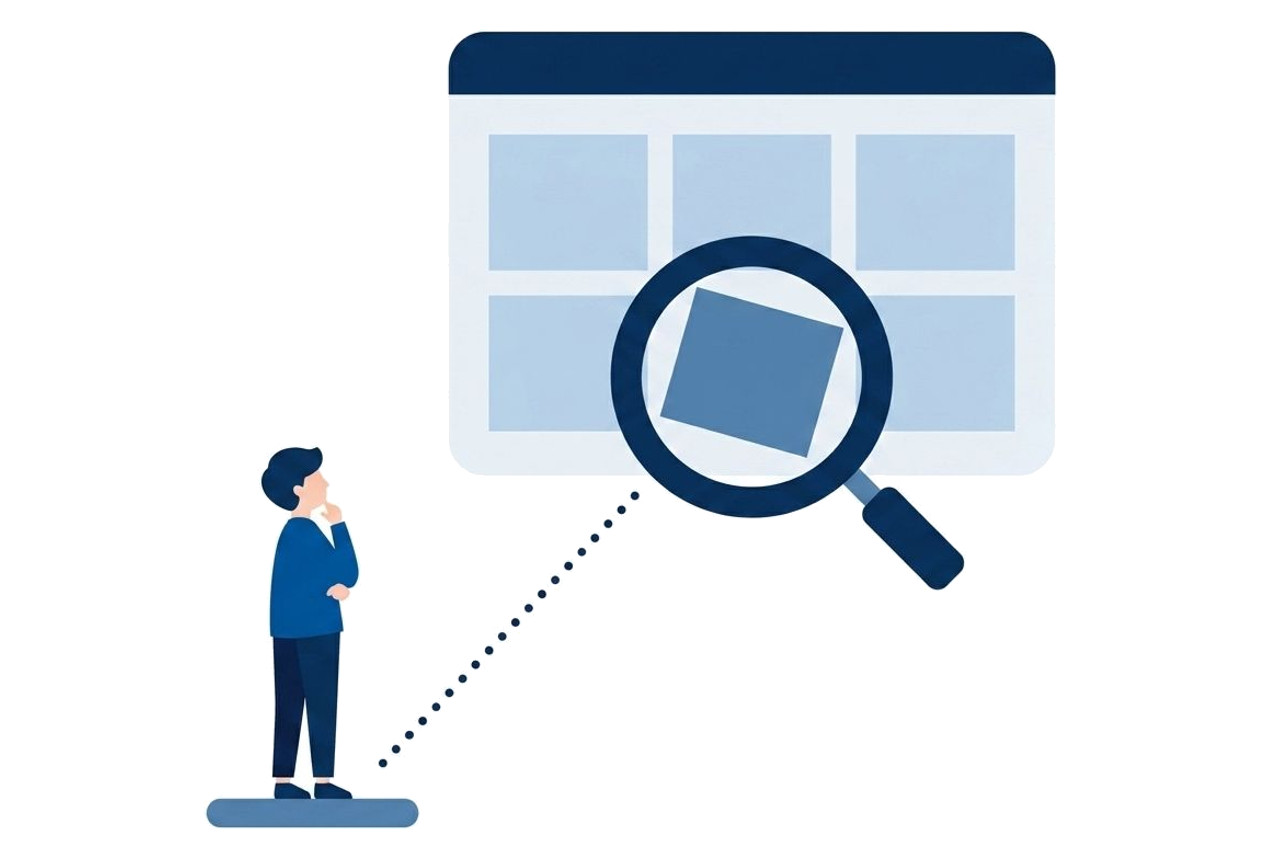
Naming what feels off
Why it does not look like yours. We break the cause down first. Once you see it, the instructions you give change.
03
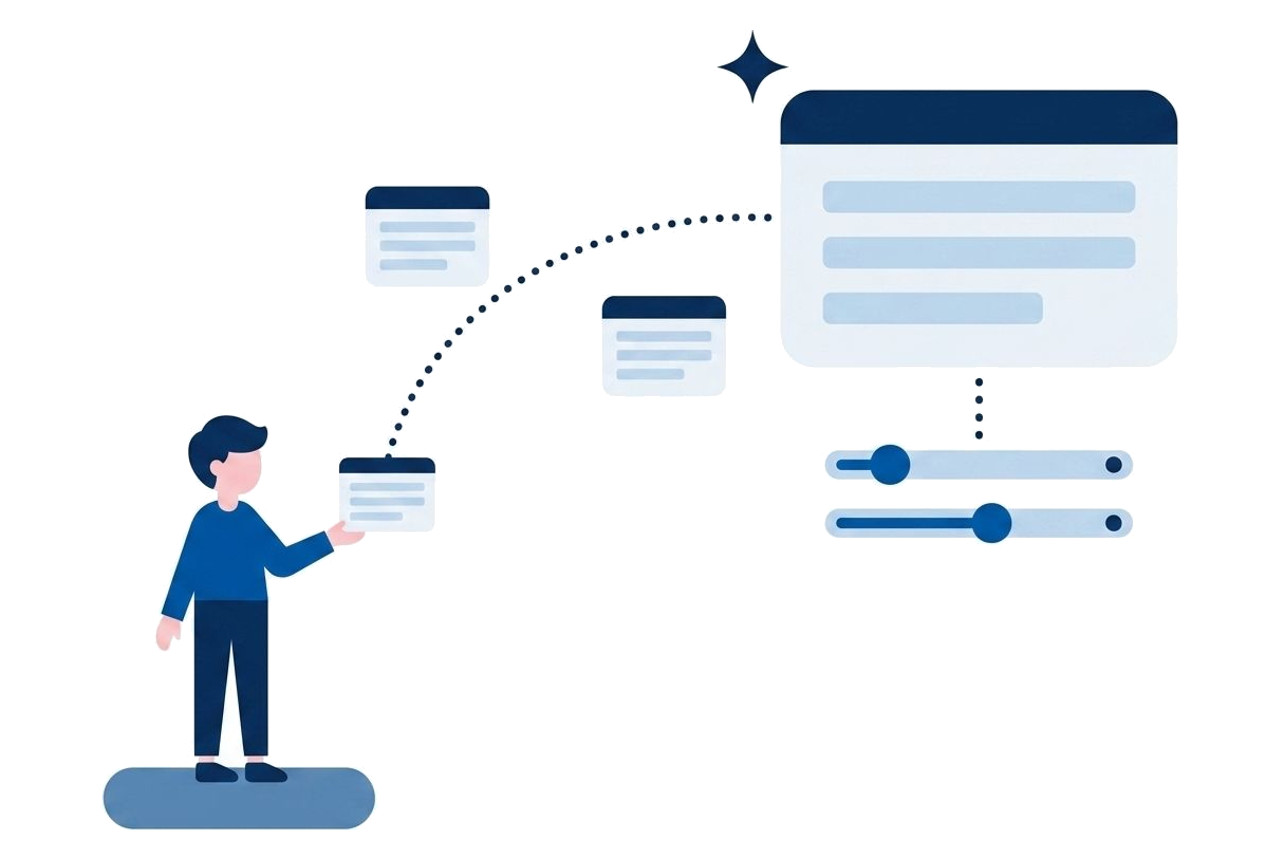
The prompts, and how to grow them
Prompts to use instead of "make it stylish", one set for each of the six elements. Change a few words and they are ready.
04
Publishing: the steps and the settings
From publishing settings to connecting your own domain, through to pushing your edits live. Only here can you finally show it to anyone.
* Part of the articles is free to read. See the note page for the full contents and pricing.
Real examples
Example
The site you are on is the example.
This corporate site was built with no agency, using exactly the method published in these articles. Design adjustments and mobile support were all done through instructions to AI.
The corporate site itself
Company, services and contact — all built in conversation with AI.
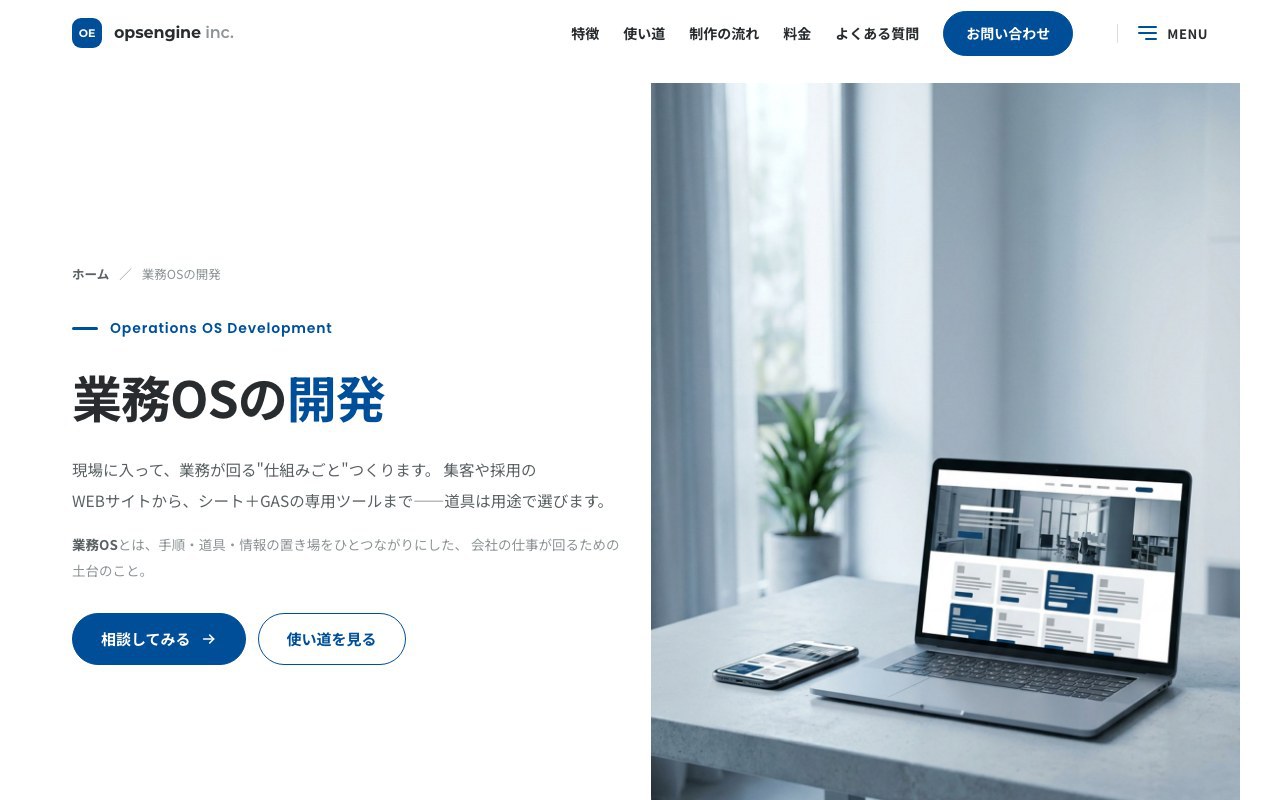
Service pages
From generating illustrations to the pricing table. New pages keep being added the same way.
Not a staged portfolio. The page in your browser right now is the evidence.
When what you want to say differs, the face differs this much.
Sites I designed with the same thinking as these articles — settle the base, then stack. "Stylish" and "professional" do not produce this difference. What decides the face is who the person wants to reach, and with what — only that.

A trainer's site
Softness, and trust.
White × photo shapes × vertical text
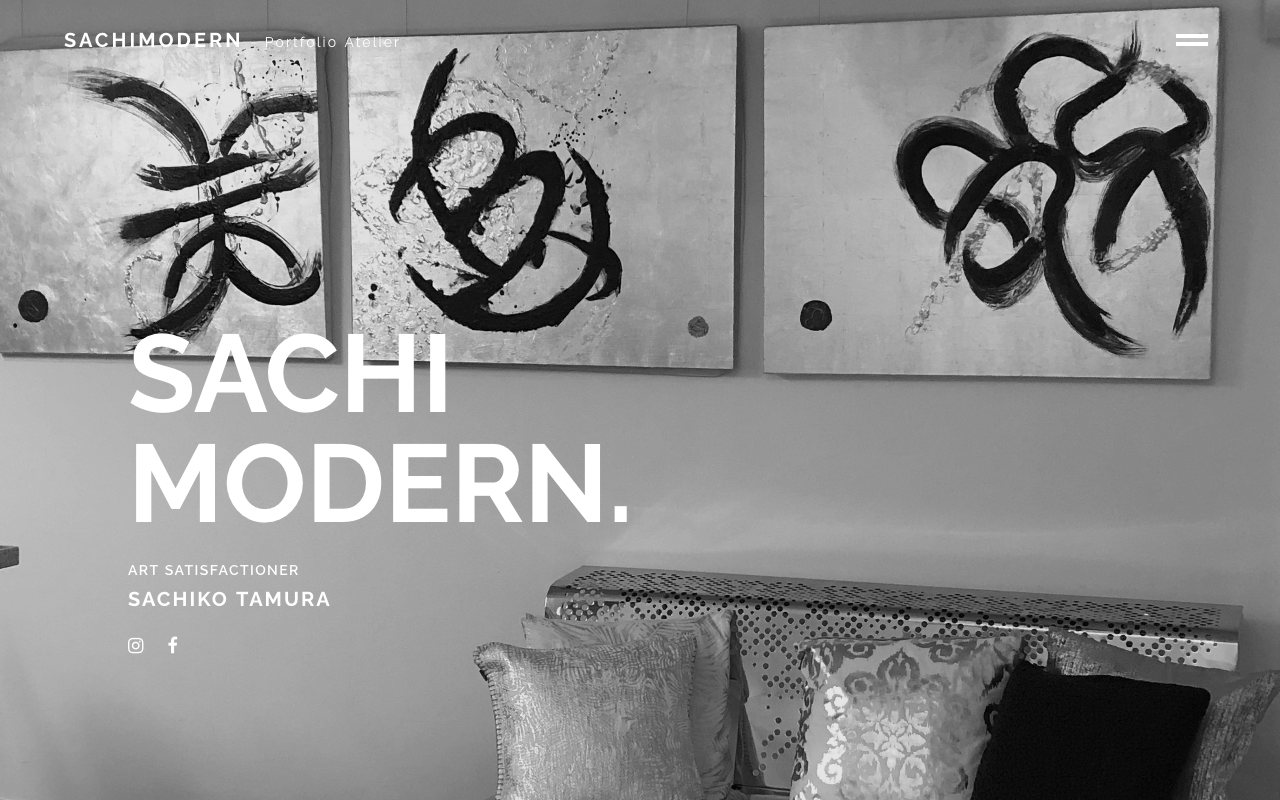
A calligraphy artist's site
Quiet, and space.
Monochrome × work photography × large type

A pianist's site
The tension of the stage.
Black × a single photograph × script type
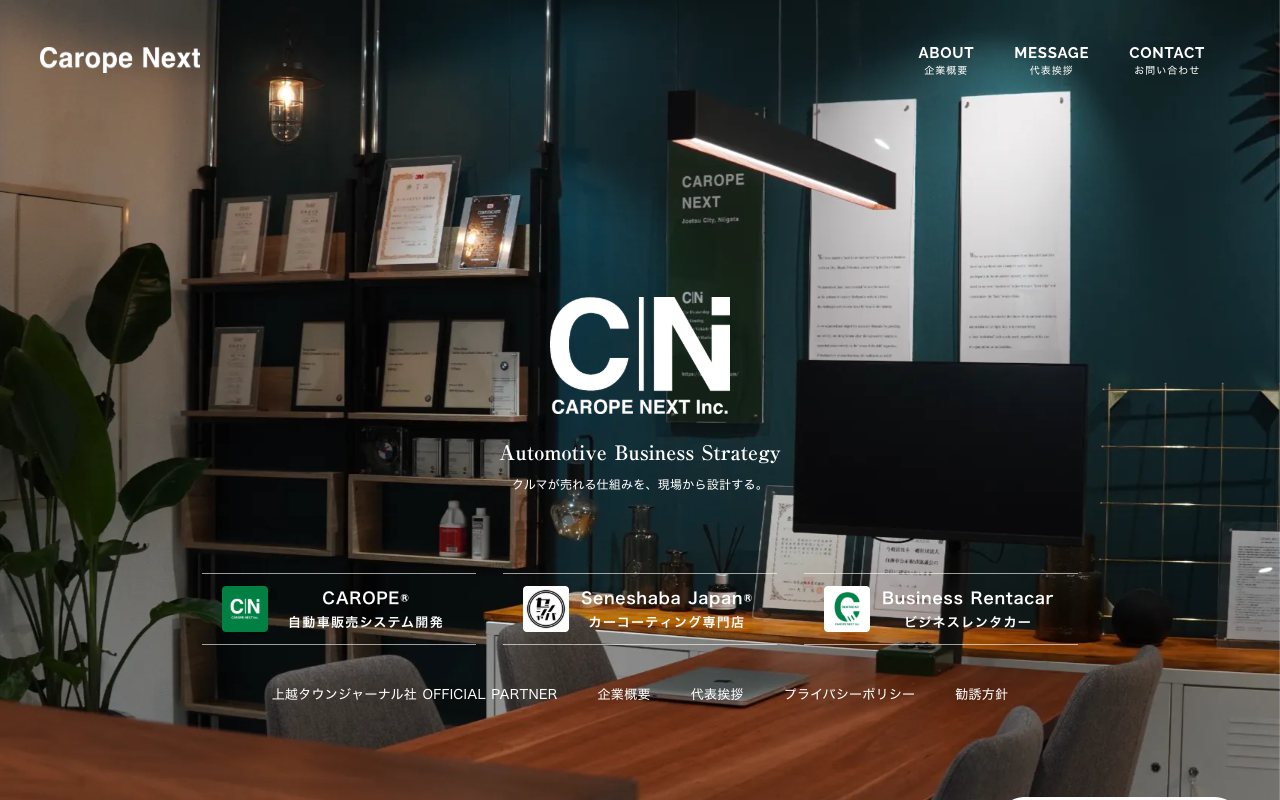
An automotive business site
The air of a working business.
Deep green × on-site photography × a family of brands
Cost
Cost
An order of magnitude below agency pricing.
Outsourced to a production company
¥300,000Most commonly up to ¥500,000
Source: HiFactory survey (Feb 2026, 303 people who outsourced in the past five years)
vs
Building it yourself, this way
About ¥35,000(finishing within a month)
Actual costs such as AI subscription and domain. The articles are separate (breakdown below)
- Paid articles (note) The method, the prompt list, and how to use it
- * Coming soon
- AI subscription MAX plan (recommended), for the months you spend building
- $200 / month
- Your own domain Annual; varies by registrar
- About ¥2,000 / year
- Hosting The articles name services you can run on a free tier
- ¥0〜
* For AI we recommend the MAX plan ($200 / month, about ¥32,000). Lower plans work, but waiting and usage limits stop your hands. An investment in finishing quickly without dropping quality. The monthly cost is higher, but you spend fewer months. Drop back down once you are done.
* All figures are indicative ($200 varies with exchange rates; about ¥32,000 as of August 2026). AI and domain fees are paid directly to those services. What you pay us is the articles, and coaching if you want it.
Who it suits
For You?
Said plainly.
A good fit
- You want to grow your own site yourself Small businesses, shops, schools and the like
- You want to give it form with your own hands first People launching a new service
- You built with AI and felt "not quite" People who have tried it once
- You can spend time instead of agency fees People who do not need it finished immediately
If even one applies, these articles will be useful as they are.
Not a fit
- You cannot find the time to build It is not easy. Your hands do move
- You want the whole build handled for you People who want to progress through meetings alone
- You need memberships or payments People who need systems beyond the site
In that case, I help you directly.
From design through build, handled for you Building an operations OS If you just need the numbers gathered and tidied OpsEngine ConnectCoaching
Lecture
Training wheels, for when the articles alone are not enough.
Online coaching, for confirming "what about my case". The articles remain the main thing; this is optional, for those who want it.
About the coaching
- Format
- Online, per session (we work through your screen together)
- Content
- Applying the articles to your own site and clearing the blockages
- Pricing
- Coming soon It will be posted here once set.
If you are in a hurry, get in touch.
FAQ
FAQ
Q Do we need programming knowledge?
No. AI writes the code. Your job is to use the prompts to say what you want and to judge what comes back. Basic computer skills are enough.
Q I am not confident about setup or publishing.
That is exactly where people get stuck. More than getting AI to write code, people stall at setting up before you start, and configuring the launch. So the articles cover those steps and settings without skipping. The actual steps will also be viewable on video.
Q What else costs money besides the articles?
A paid AI plan (for the months you build) and a domain (about ¥2,000 a year). For hosting, the articles name services that run on a free tier. All are paid directly to those services, not through us.
Q How long does it take?
It depends on the hours you put in; for a one-page site, two or three weekends is the guide. The articles recommend publishing first and growing it, rather than finishing in one go.
Q Can we use the finished site commercially?
Yes. The articles assume you are building for your own business. The rights to the site you build are yours.
Q I am worried I will give up partway.
The articles flag the usual sticking points before you reach them. If you are still stuck, optional paid online coaching is available. They are written for reading while you work, not for reading first and starting later.
Q Can you just do the whole thing?
In that case, rather than these articles, see Building an operations OS. I help directly, from design through build.
Read the Article
Start with the free part.
Everything up to naming what feels off is free to read. Check whether it suits you first.